zsh-claude-code: Claude while you work in the terminal
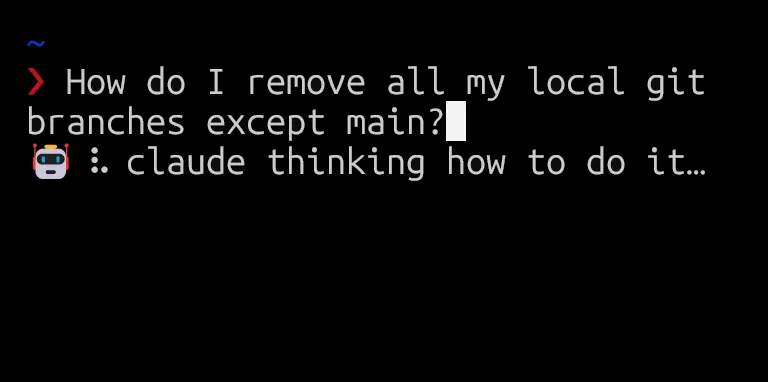
I wanted Claude while I’m working in the terminal. Typing a question, getting an answer. Pasting a command, seeing what it does. Without typing claude -p and writing the same system prompt every time to get a clean, short answer.
Most “AI in the terminal” tools want an API key, but I’m already logged in to Claude Code on this machine, I just wanted to use that login.
So I built zsh-claude-code. It wraps the claude CLI in --print mode under the hood. If claude login works, the plugin works. Nothing else to set up.
You get four things:
ask <question>: a short answer to any dev or terminal question.explain <command>: what a command does, in plain English.- Ctrl+X: type a request in natural language, press the keybind, and the line is rewritten in place as a shell command.
- Alt+E: print an explanation of the command at your prompt, above the prompt. The command stays put.
Each feature has its own system prompt tuned for the job, so the output stays short and shell-ready. No need to add things like “be brief” to every question.
Install
The recommended path is zinit. It works well with oh-my-zsh, and the install line is one tag in ~/.zshrc:
zinit light matheus-poli/zsh-claude-codeIf you prefer plain oh-my-zsh, clone into the custom plugins folder and add zsh-claude-code to your plugins=(...) array:
git clone https://github.com/matheus-poli/zsh-claude-code \
  "${ZSH_CUSTOM:-$HOME/.oh-my-zsh/custom}/plugins/zsh-claude-code"
Restart your shell and you’re done.
Not on zsh?
The widgets need zsh’s line editor (zle), so the keybinds won’t move over. But ask and explain are thin wrappers over claude -p with a tuned system prompt, easy to mimic in bash. Drop something like this in ~/.bashrc:
ask() {
  claude -p --model sonnet "$*"
}

explain() {
  claude -p --model sonnet \
    "Explain this command. One overview line, then a short bullet per flag: $*"
}
Not as nice as a keybind, but it covers the common case. If you want to match the plugin’s output style more closely, the full system prompts live in zsh-claude-code.plugin.zsh, copy what you like.
That’s it. Source on GitHub: matheus-poli/zsh-claude-code. Issues and PRs welcome.